Digital Art vs Traditional Art: Pros & Cons
Both digital art and traditional art are powerful ways to create, but they offer very different experiences, workflows, and results. Neither is inherently “better”—it depends on your goals, budget, style, and what excites you most. Many artists today use both (hybrid approach), starting with traditional sketches then finishing digitally, or vice versa.
Traditional art uses physical media like pencils, paints, charcoal, or clay on paper, canvas, or other surfaces. Digital art uses tools like tablets, styluses, and software (e.g., Procreate, Photoshop, Clip Studio Paint) to create on screens.
Here’s a balanced breakdown of the pros and cons for each.
Traditional Art: Pros & Cons
Pros
- Tactile and hands-on — The feel of brush on canvas, pencil on paper, or mixing real paint creates a unique, emotional connection. Many artists find it more satisfying and therapeutic.
- Authentic “hand-drawn” feel — Subtle imperfections, textures, and organic variations give work a timeless, human quality that’s hard to replicate digitally.
- Physical original — You end up with a tangible piece that can be displayed, sold as originals (higher perceived value), or archived for centuries if cared for properly.
- No tech barriers — No crashes, battery issues, or updates. Just pick up your tools and go.
- Deeper material learning — Forces you to master color mixing, layering, and medium-specific techniques (e.g., wet-on-wet watercolor effects).
Cons
- Ongoing costs — Supplies like paint, brushes, paper/canvas, and mediums add up over time, especially for expensive ones like oils or high-quality pastels.
- Harder to correct mistakes — Especially in unforgiving media like watercolor or ink—sometimes you have to start over or work around errors.
- Time-consuming — Drying times (oils), setup/cleanup, and no “undo” mean changes take more effort.
- Storage and portability issues — Physical pieces take space, can get damaged, and sharing requires scanning/photographing (quality loss possible).
- Limited experimentation — Trying new ideas often wastes materials.
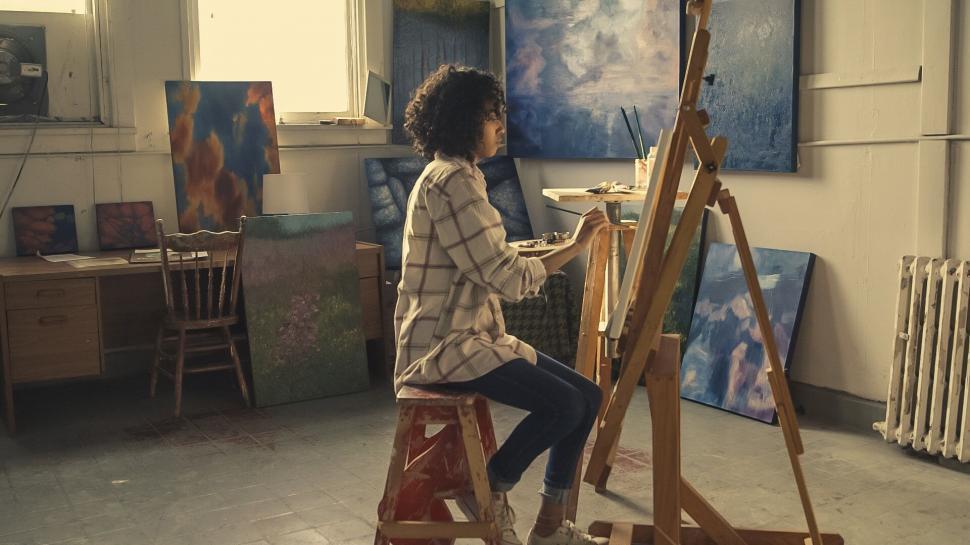
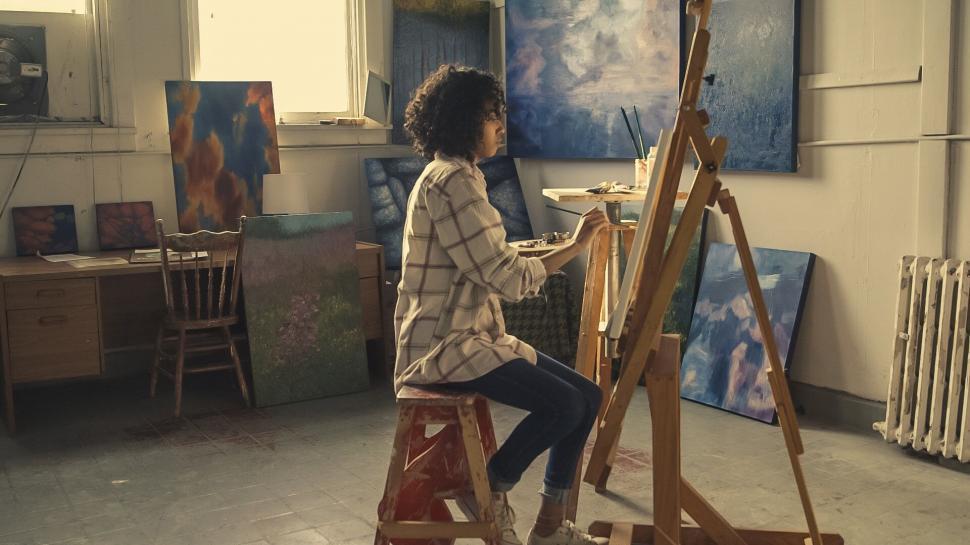
A traditional artist painting on canvas in a cozy studio—notice the physical brushes, palette, and textured paint.
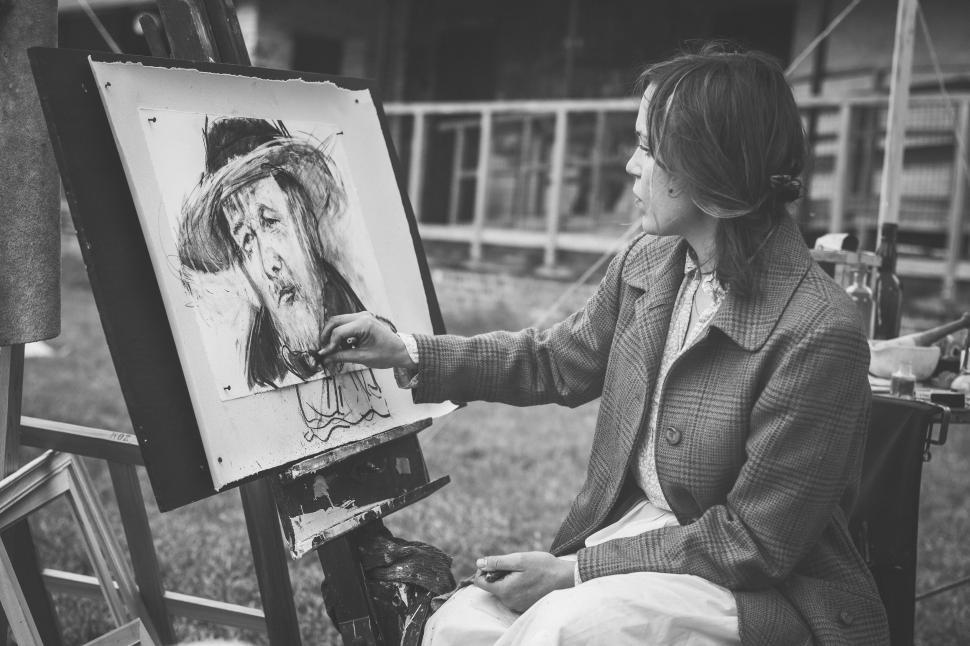
Woman at an easel working with oils—classic traditional setup with visible brushstrokes and real pigments.
Digital Art: Pros & Cons
Pros
- Infinite “undo” and layers — Experiment freely without fear—delete, adjust, or revert changes instantly. Layers let you edit elements separately.
- Cost-effective long-term — After initial investment (tablet + software), no recurring supply costs. Beginner tablets start around $50–$100.
- Speed and flexibility — Brushes mimic traditional media (or invent new ones), color picking, resizing, symmetry tools, and easy corrections speed up workflow.
- Easy sharing & reproduction — Instant high-res files for social media, prints, or client work. No scanning needed—perfect for online portfolios or NFTs.
- Portability and accessibility — Work anywhere with a tablet/iPad; huge brush libraries, reference integration, and 3D/modeling tools expand possibilities.
Cons
- Upfront cost — Good tablet (e.g., iPad + Apple Pencil, Wacom, Xencelabs) + computer/software can be $300–$2000+ initially.
- Technical issues — Crashes, driver problems, battery life, file compatibility, or learning software curves can frustrate.
- Less tangible — No physical original; some viewers/art buyers see it as “less real” or worry about AI confusion/reproducibility.
- Can feel “too perfect” — Uniform lines/brushes sometimes lack organic variation unless you work to add texture.
- Screen fatigue & eye strain — Long sessions on bright screens can tire eyes compared to natural light work.
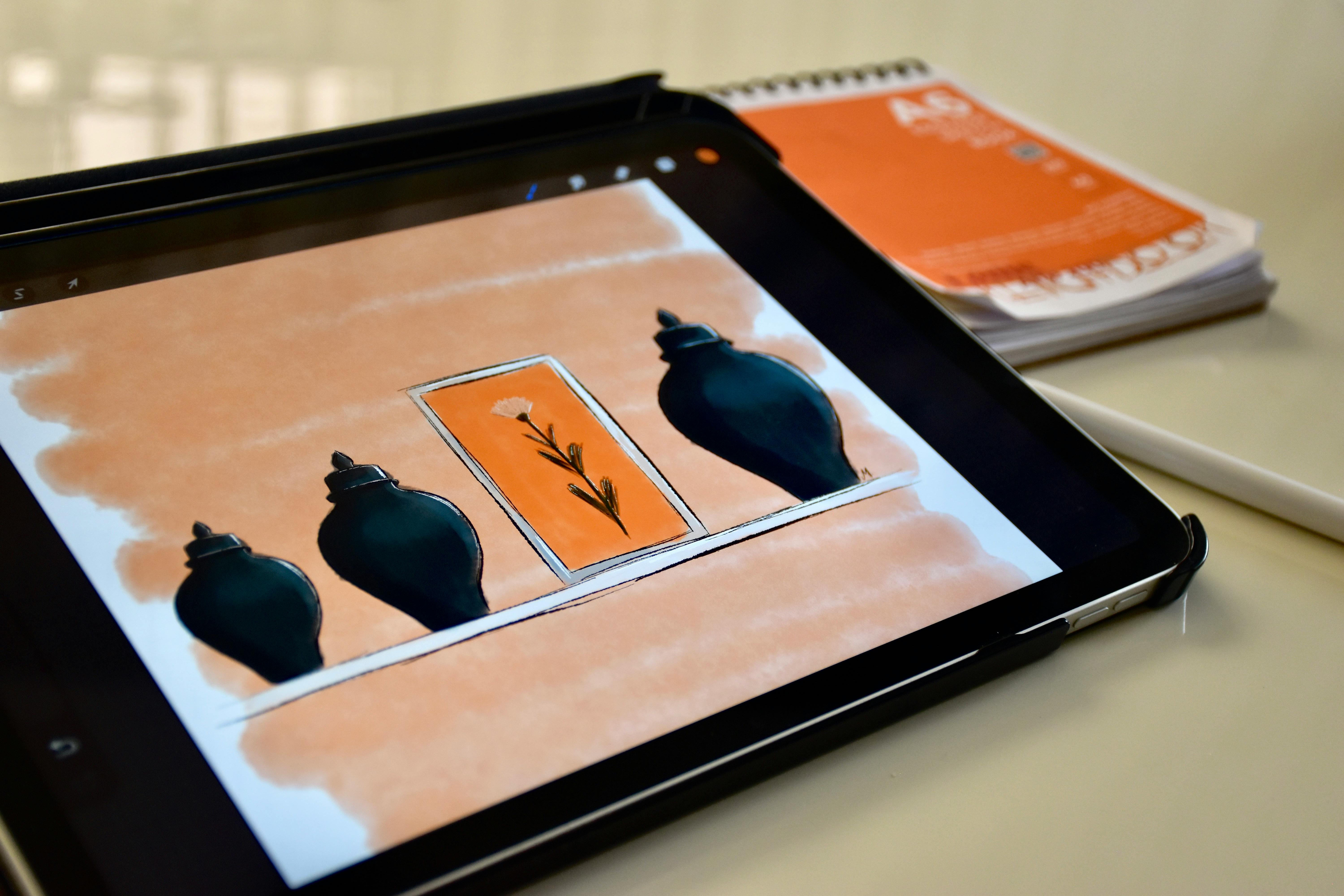
Artist sketching digitally on a tablet with stylus—modern setup showing screen, pressure-sensitive pen, and vibrant colors.
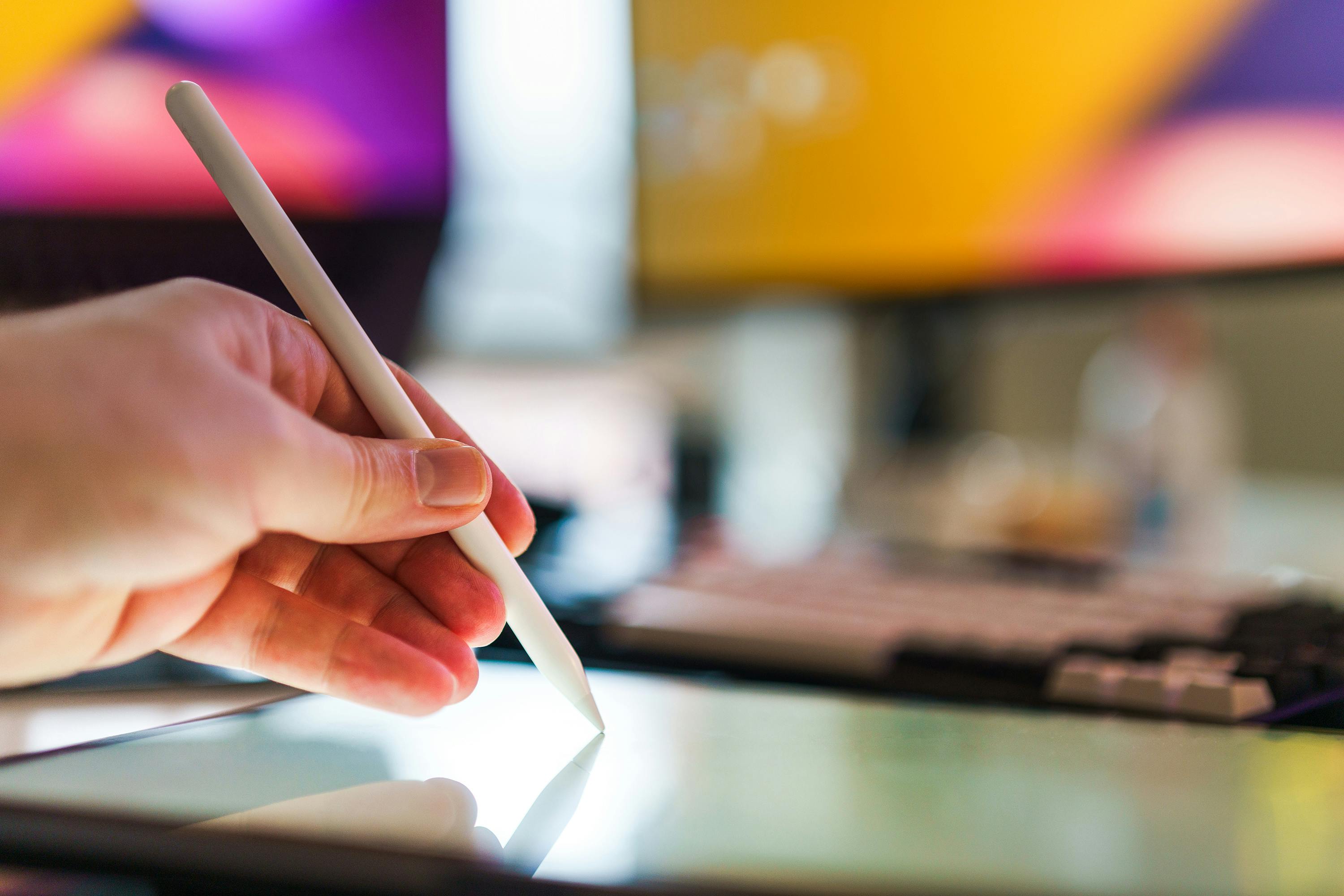
Close-up of a digital artist using a stylus on a tablet—highlights precision and layers in action.
Quick Side-by-Side Comparison
| Aspect | Traditional Art | Digital Art |
|---|---|---|
| Cost | Ongoing supplies | High upfront, low ongoing |
| Corrections | Difficult/permanent | Easy (undo, layers) |
| Tactile Feel | High—real textures | Low—screen-based |
| Sharing | Requires scanning/photographing | Instant digital files |
| Original Value | High (unique physical piece) | Lower (easily duplicated) |
| Experimentation | Material-limited | Virtually unlimited |
| Learning Curve | Medium (medium-specific) | Software + hardware |
Which Should You Choose?
- Start with traditional if you love the physical process, want to build strong fundamentals (like gesture, anatomy from earlier guides), or prefer tangible results.
- Go digital if you’re into illustration, concept art, animation, frequent sharing, or want fast iteration without supply costs.
- Best of both worlds — Many pros sketch traditionally for organic feel, then scan and finish digitally for polish and efficiency.
Ultimately, both build skills and creativity. The “best” medium is the one that keeps you creating consistently!
For inspiration, try a simple subject (like the apple from the art styles guide) in both—see what feels more natural to you. Keep experimenting—you’ll likely end up loving aspects of each! 🎨✏️